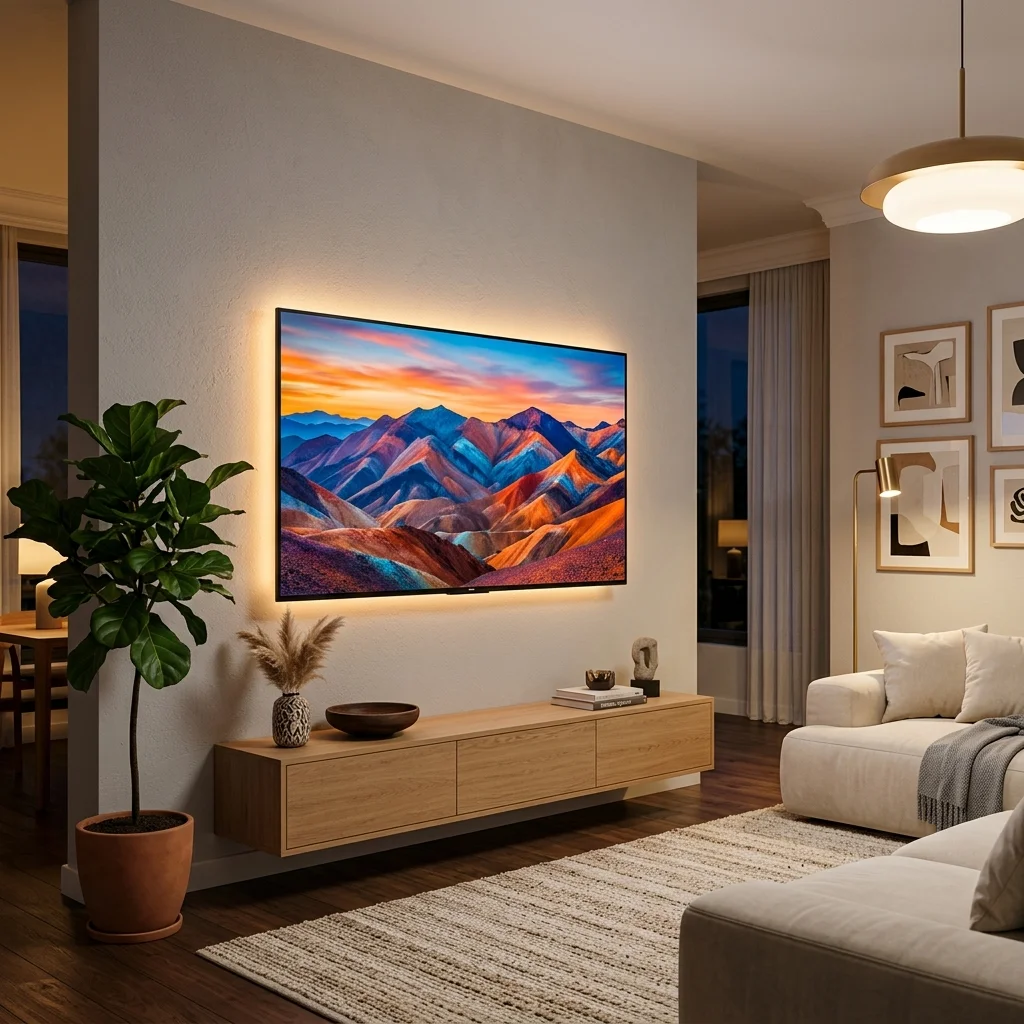
Modern flat-screen LED televisions are a centerpoint of home entertainment. When you invest in a premium smart TV, you want it to last. However, LED backlights, power supply units, and internal circuits are subject to wear and tear. The average lifespan of a modern LED TV is around 50,000 to 60,000 hours (about 5 to 7 years of heavy use).
By following a few simple maintenance habits, you can easily push your TV's lifespan past the 10-year mark. Below, our senior repair technicians at R.R. Electronics share 5 easy ways you can extend the life of your television and prevent costly panel or backlight repairs.
1. Lower the Screen Backlight & Brightness
The single most common cause of LED TV failures is backlight burnout. Many TVs are shipped with the brightness and backlight settings configured to 100% or set to "Vivid" mode. Running the LED strip diodes at maximum capacity causes them to overheat and burn out quickly.
- Actionable Tip: Navigate to your TV's Settings > Picture > Backlight (and Brightness) and reduce them to around 60%–70%. Alternatively, choose the "Standard" or "Eco" picture modes.
- The Result: Lowering the backlight significantly reduces heat generation, saving the LED diodes from premature failure while lowering your electricity bill.
💡 Technician Tip: Lowering your backlight settings by just 25% can double the physical lifespan of the LED diodes inside your television screen.
2. Ensure Adequate Ventilation & Clear Airflow
LED TVs generate substantial heat internally, especially near the motherboard and power supply module. If the TV is enclosed in a tight cabinet or placed too close to a wall, the heat gets trapped, causing sensitive components like capacitors to bulge or blow.
- Leave at least 4 to 6 inches of space between the back of the TV and the wall or cabinet doors.
- Do not block the cooling vents located on the top, bottom, or sides of the TV shell.
- Regularly dust the vents using a soft brush or a low-powered vacuum to prevent dust buildup from trapping heat inside the unit.
3. Connect to a Voltage Stabilizer or Surge Protector
Power fluctuations, voltage surges, and sudden blackouts are highly destructive to smart TVs. The thin motherboard circuits and power supply boards cannot handle sudden spikes, leading to blown motherboards, logic boards, or complete power failures.
Using a dedicated surge protector or a small voltage stabilizer is a small investment that can save you from a major motherboard replacement cost.
4. Turn Off the TV When Not in Active Use
Leaving the television running in the background as white noise is a habit in many households. Every hour your TV screen is active represents a reduction in its total lifespan. Furthermore, static screens (like paused games, news tickers, or menu dashboards) can cause permanent screen burn-in on OLED screens and shadow degradation on LED panels.
- Enable the Sleep Timer function if you have a habit of falling asleep with the TV on.
- Use the "Screen Off" or audio-only mode if you are only listening to music or podcasts on apps like YouTube.
5. Use the Right Cleaning Materials
Cleaning your TV screen with liquid window cleaners, alcohol-based solutions, or harsh cloths can strip away the protective anti-glare coating and cause moisture to seep into the bottom bezel where the delicate panel driver boards are located. Moisture ingress at the bottom bezel is the primary cause of vertical lines on the screen.
- Do: Use a dry, high-quality microfiber cloth to gently wipe dust away in circular motions.
- Don't: Spray water, cleaning sprays, or window cleaners directly onto the screen. If necessary, slightly dampen the cloth with distilled water.
Summary of Best Maintenance Practices
| Maintenance Area | Correct Practice | What it Prevents |
|---|---|---|
| Picture Mode | Standard or Eco (Backlight < 70%) | LED Backlight Burnout |
| Power Supply | Use Surge Protector / UPS | Motherboard Component Blown |
| Placement | Open wall mount or ventilated cabinet | Overheating / Chip Failure |
| Cleaning | Dry microfiber cloth, no direct sprays | Panel moisture damage (Vertical lines) |
Conclusion
Taking care of your LED TV doesn't require technical expertise—just simple changes in settings and placement. However, if your TV is already showing signs of dimming screens, flashing backlights, or failing to turn on, it may indicate a failing backlight strip or a power supply issue.
Do not attempt to open the TV chassis yourself, as LED panels are highly delicate and can crack under minor pressure. Contact the certified specialists at R.R. Electronics for doorstep diagnosis and same-day repair with original spare parts.